SRT Preview
SRT MPEG-TS/H.264 real-time preview viewer for Windows 10/11


Microsoft Store
SRT Preview receives MPEG-TS/H.264 streams over SRT and displays video in real time on Windows 10/11. The free edition monitors one SRT stream in a single preview window.
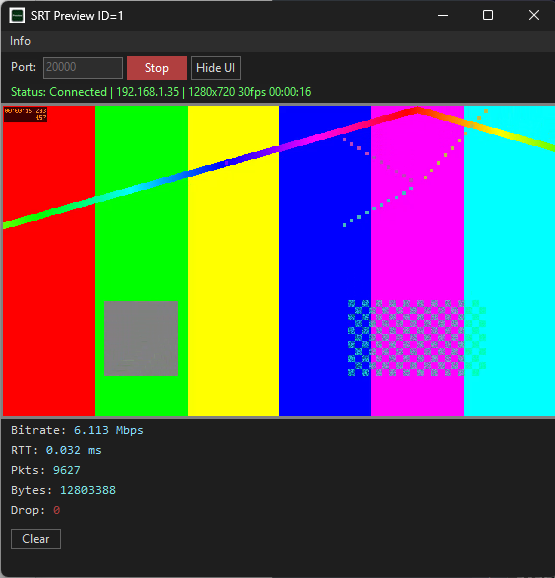
It uses Windows Media Foundation to decode H.264 video and AAC audio, with video preview, audio playback, bitrate, RTT, received packets, received bytes, dropped data, connection time, resolution, FPS, and audio level monitoring.
For multi-stream monitoring, SRT Preview PRO can run up to 16 preview windows at the same time. PRO also adds per-channel CH1/CH2 audio controls and MPEG-TS recording to TS files.
Key Features
- Real-time video preview — Receives MPEG-TS/H.264 video over SRT, decodes it with Windows Media Foundation, and displays it.
- SRT listener — Waits for an SRT sender connection on the specified port and accepts reconnections after disconnection.
- Live statistics — Displays bitrate, RTT, received packets, received bytes, dropped data, connection time, resolution, and FPS.
- AAC audio playback — Decodes AAC audio in MPEG-TS streams and plays it through the Windows default audio output.
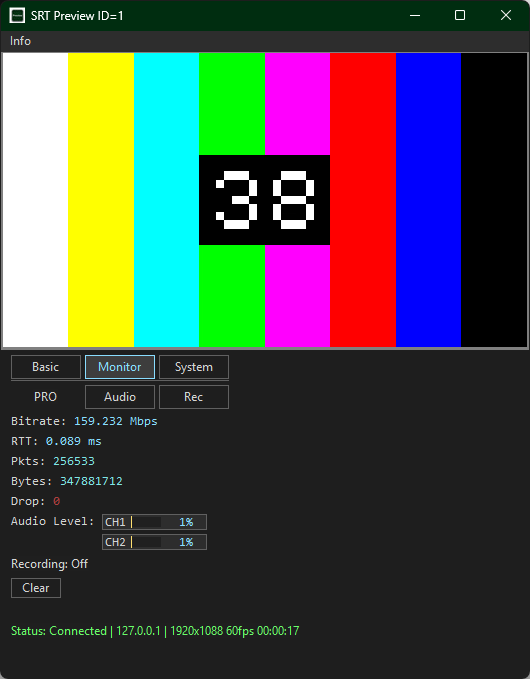
- Audio level display — Displays the received CH1 and CH2 audio levels in real time.
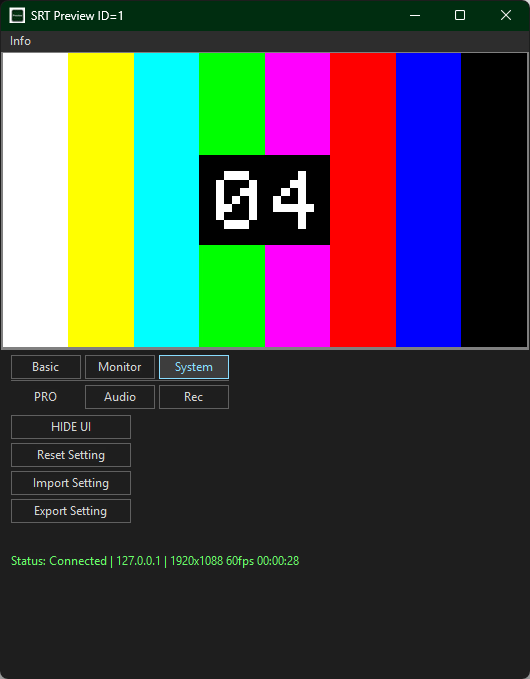
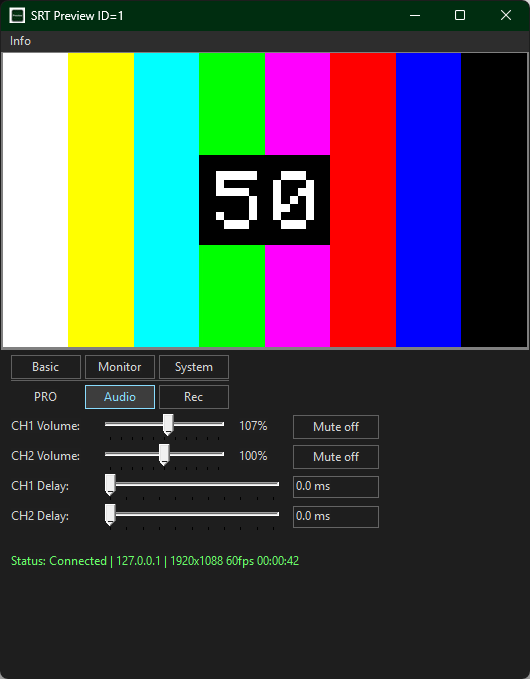
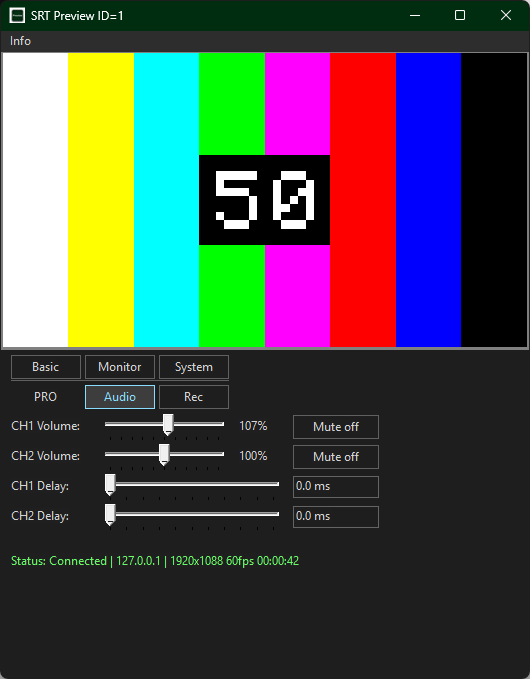
- Tabbed UI — Basic, Monitor, Audio, Rec, and System tabs organize connection settings, monitoring, audio, recording, and system controls.
- Settings management — Saves settings for each instance and supports reset, import, and export.
- UI-hidden mode — Displays only the video area and restores the UI with a right-click or the Esc key.
- PRO ONLY: Per-channel audio controls — Adjusts volume, mute, and delay independently for CH1 and CH2.
- PRO ONLY: MPEG-TS recording — Saves received MPEG-TS streams to TS files with configurable destination and file name.
- PRO ONLY: Multiple instances — Runs up to 16 preview windows simultaneously to monitor different SRT ports.
What’s New in v1.0.4
- Added decoding of AAC audio in MPEG-TS streams and playback through the Windows default audio output.
- Changed the UI to Basic, Monitor, Audio, Rec, and System tabs to organize settings and monitoring information.
- Added audio level display and per-channel volume, mute, and delay controls for CH1 and CH2. (PRO ONLY)
- Added recording of received MPEG-TS streams to TS files. (PRO ONLY)
- Added settings reset, import, and export.
- Added automatic recovery after the Windows default audio output changes or an audio device is disconnected.
- Updated the SRT Preview PRO product name and executable name.
Network Configuration
graph LR
    Sender["FFmpeg / Encoder<br/>(SRT Caller)"]
    Network["Network<br/>(LAN / Internet)"]
    Receiver["SRT Preview<br/>(SRT Listener)"]

    Sender -->|SRT + MPEG-TS| Network
    Network -->|SRT + MPEG-TS| Receiver

    style Sender fill:#A8D5FF,stroke:#4A90E2,color:#000
    style Receiver fill:#90CAF9,stroke:#1976D2,color:#000
    style Network fill:#FFFFFF,stroke:#CCCCCC,color:#000
Screenshots
How to Use
1. Launch and Listen
Start SRT Preview, enter a receive port number in the Port field, and click Listen.
2. Send SRT Stream
Send an MPEG-TS/H.264 stream from FFmpeg or any SRT-compatible encoder:
ffmpeg -re -f lavfi -i testsrc2=size=1280x720:rate=30 \
  -pix_fmt nv12 -c:v h264_mf -b:v 6M \
  -f mpegts srt://127.0.0.1:9000
3. View
Video appears in the preview window with real-time connection statistics and AAC audio playback when the stream contains AAC audio.
Hide UI Mode
Click Hide UI to switch to full video display. Right-click to restore controls.
PRO Recording
In SRT Preview PRO, open the Rec tab to choose the recording destination and file name, then save the received MPEG-TS stream to a TS file.
System Requirements
- Windows 10/11 x64
- H.264 decoding support
- Windows audio output device for AAC playback
Installation
Support