SRT USB CAM
Real-time USB camera to SRT MPEG-TS/H.264 transmitter for Windows


Download
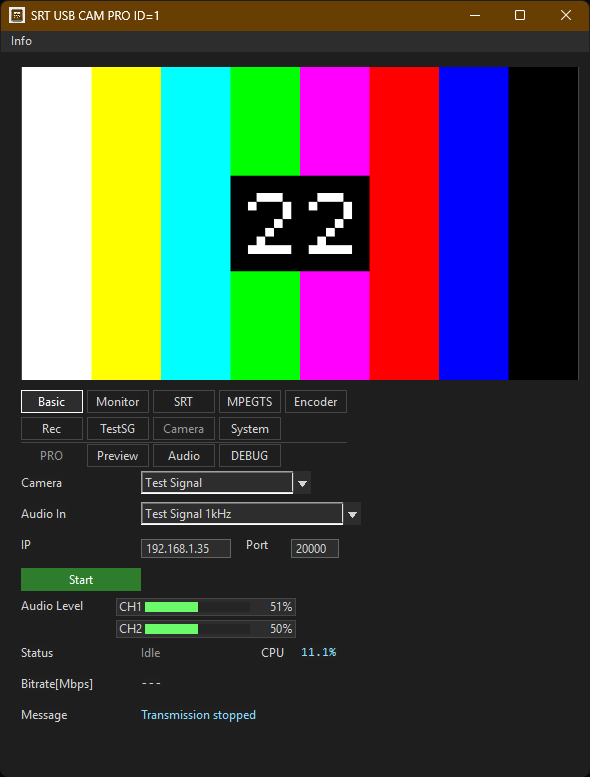
SRT USB CAM is a free Windows app that captures video and audio from a USB camera and sends them over SRT. It provides camera preview, automatic input format selection, and transmission monitoring in a single transmitter window.
Video is encoded as H.264 and audio as AAC-LC, then multiplexed into MPEG-TS and sent to an SRT receiver in caller mode. Without a USB camera, you can verify transmission and reception using a Test Signal with color bars or noise and 1 kHz test audio.
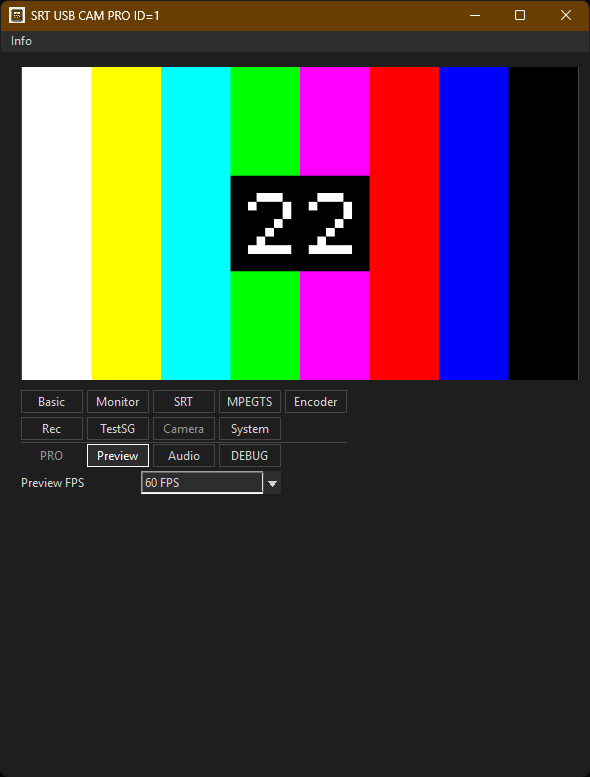
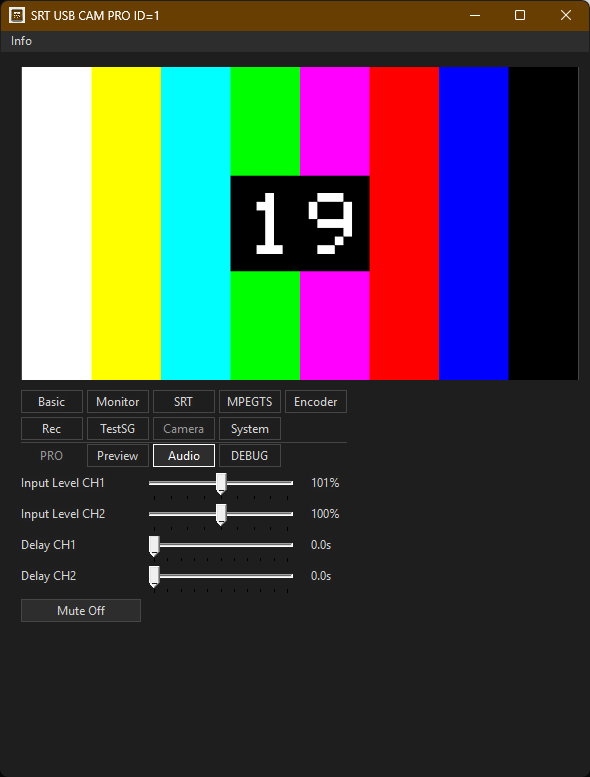
The paid version, “SRT USB CAM PRO,” can run up to 16 transmitter windows at the same time and provides features for multi-channel operation, including selectable Preview FPS and separate CH1/CH2 audio adjustments.
https://apps.microsoft.com/detail/9NMW8TT83453
What’s New
Version 1.0.5
- Improved preview display. PRO users can select 10 or 60 Preview FPS; the free version uses 10 FPS.
- Improved video/audio timestamp handling and MPEG-TS PTS/DTS for more stable A/V sync.
- Added queued camera and audio input processing for more stable capture under load.
- Added per-device camera settings that are restored when a camera is selected again.
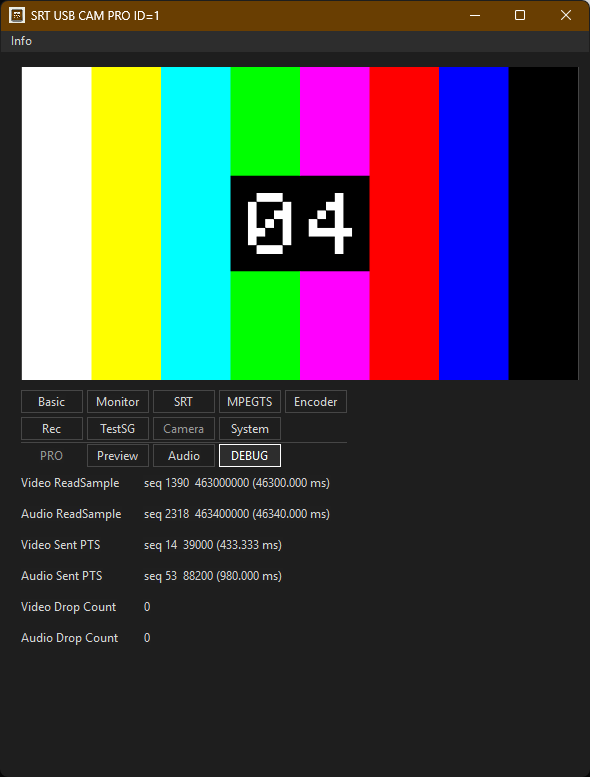
- Added a Debug tab for input timestamps, sent PTS, and Test Signal Drop Counts.
- Changed Monitor Cam FPS and Enc FPS to two decimal places and reduced Audio Level flicker.
Version 1.0.4
- Added USB microphone/audio input selection and AAC-LC multiplexing into MPEG-TS.
- Added audio level, mute, CH1/CH2 delay, and input level controls. (PRO ONLY)
- Added 25/29.97/50/59.94 FPS and 1 kHz test audio to Test Signal.
- Added Test Signal fallback when a saved camera format is unavailable.
- Added Auto Start.
Version 1.0.3
- Introduced a tabbed UI.
- Added settings export/import and stream ID configuration.
- Added MPEG-TS recording controls.
- Added OpenH264 and MediaMTX support.
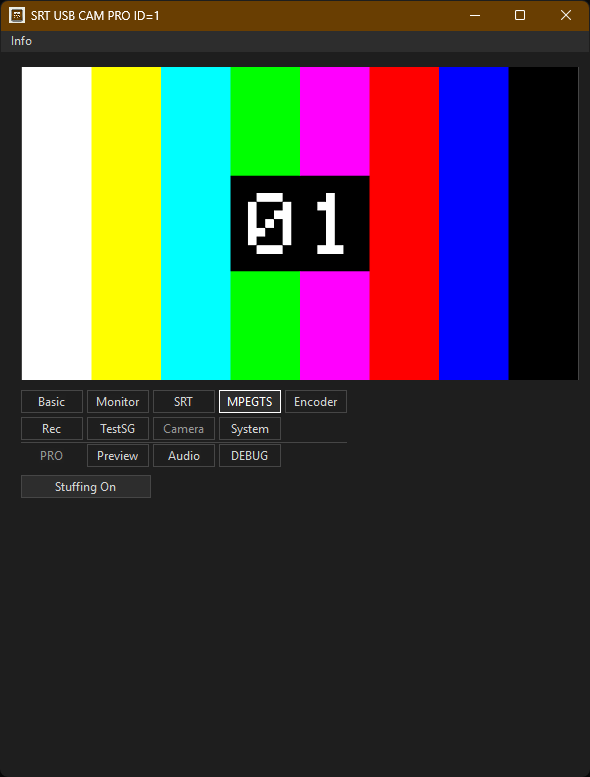
- Added MPEG-TS null stuffing.
Key Features
- USB Camera Capture - Select a connected USB camera and preview the input video.
- Real-time SRT Transmission - Send MPEG-TS/H.264 video to an SRT listener.
- AAC-LC Audio Transmission - Multiplex audio from a USB camera built-in microphone or audio input device into MPEG-TS.
- Test Signal - Send test video without a USB camera, with 25/29.97/30/50/59.94/60 FPS and 1 kHz test audio.
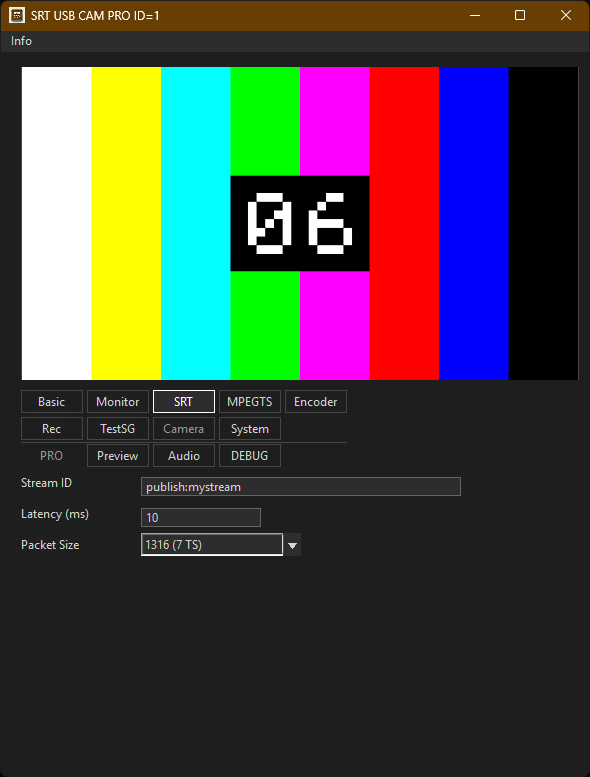
- Connection Controls - Configure destination IP address, port, automatic reconnection, SRT latency, and stream ID.
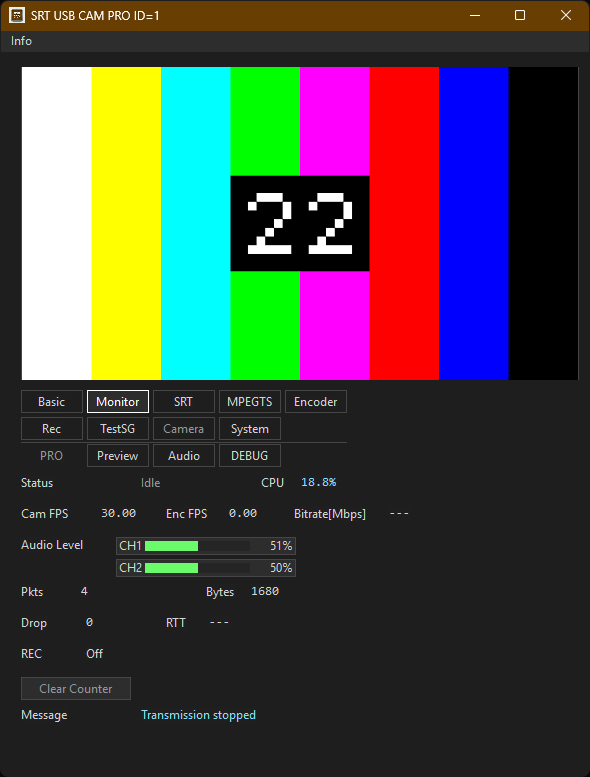
- Live Statistics - Monitor Cam FPS, Enc FPS, bitrate, TS packet count, reconnection count, audio status, and the latest error.
- Debug Diagnostics - Check video/audio input timestamps, sent PTS, and Test Signal video/audio Drop Counts.
- Per-Camera Settings - Save the input format and camera properties for each camera and restore them when selected again.
- MPEG-TS Recording - Save the MPEG-TS stream to a file while transmitting.
- OpenH264 Encoder - Select H.264 encoding with OpenH264.
- Preview FPS Selection (PRO ONLY) - Select 10 or 60 Preview FPS.
- Audio Monitor (PRO ONLY) - Monitor and adjust audio level, mute, per-channel CH1/CH2 delay, and input level.
- Multi-Instance (PRO ONLY) - Run up to 16 transmitter windows at the same time.
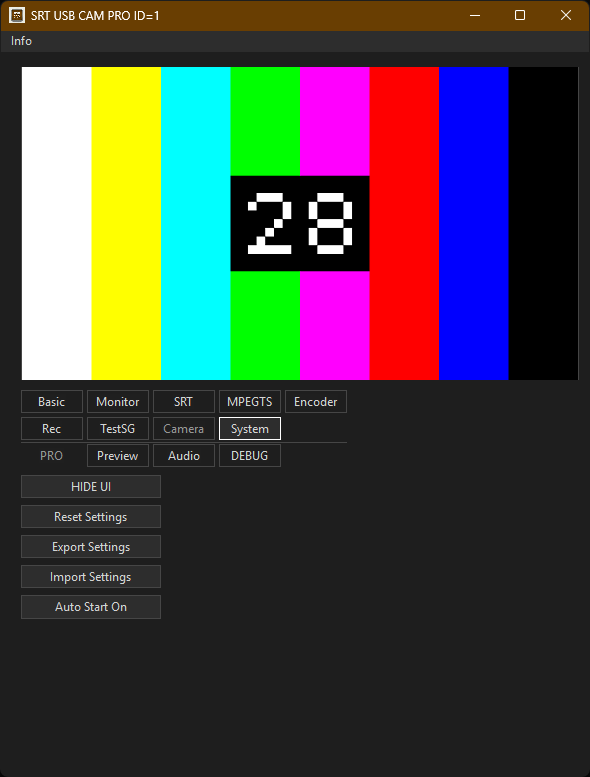
Screenshots
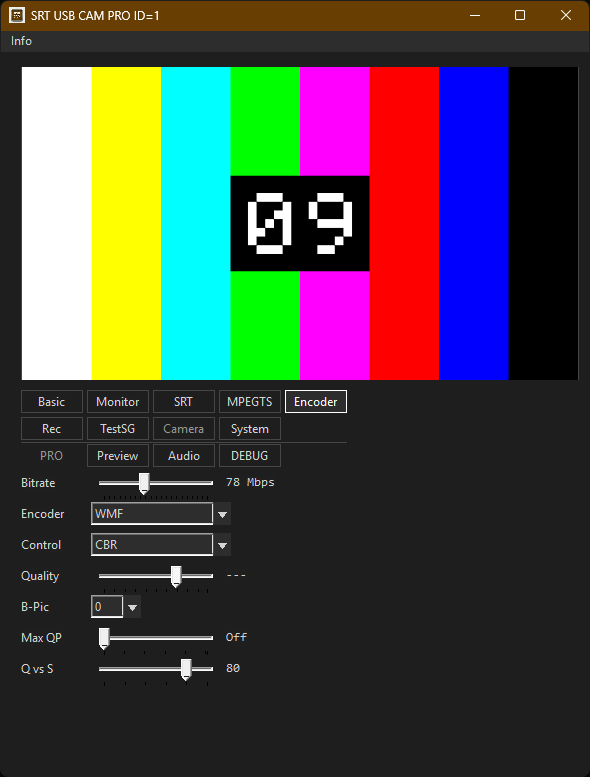
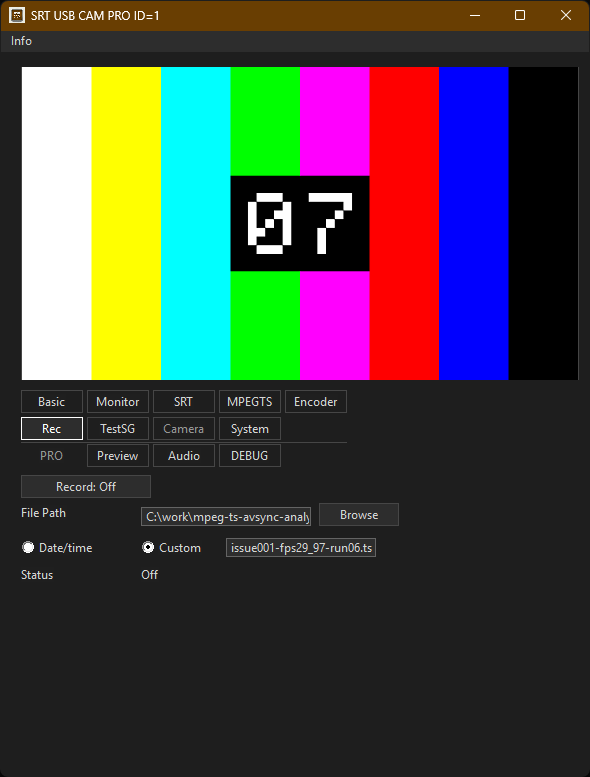
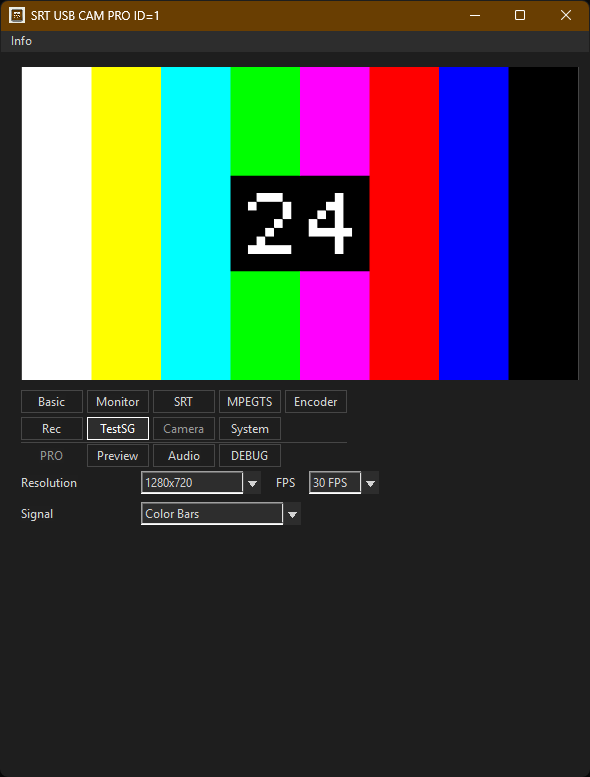
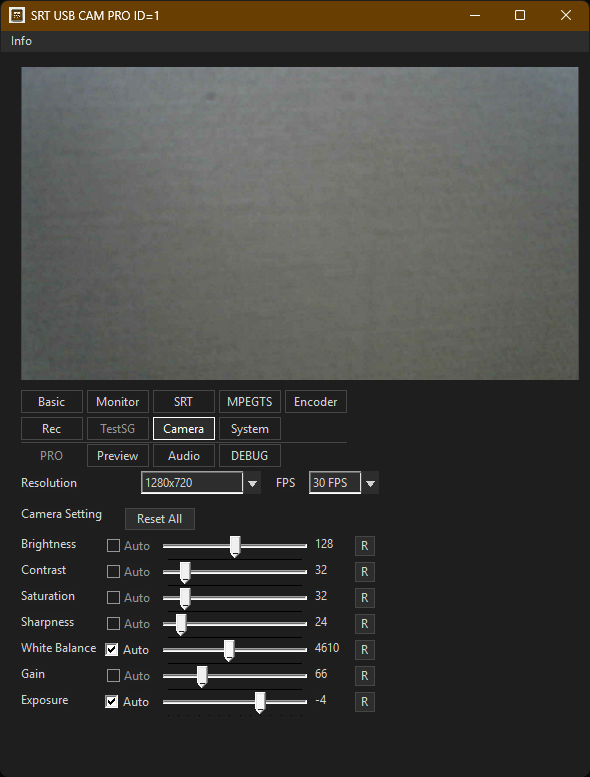
How to Use
Start an SRT listener on the receiving machine, for example with FFplay:
ffplay "srt://0.0.0.0:9000?mode=listener"
Select a USB camera, configure the destination IP address and port, then start transmission.
Receiver Examples
ffplay "srt://0.0.0.0:9000?mode=listener"
ffmpeg -i "srt://0.0.0.0:9000?mode=listener" -f null -
ffmpeg -i "srt://0.0.0.0:9000?mode=listener" -c copy capture.ts
System Requirements
- Windows 11 x64
- USB camera supported by Windows Media Foundation
- SRT-compatible receiver such as FFmpeg, FFplay, or another SRT decoder
Notes
- The app sends in SRT caller mode. The receiver must listen before or during connection.
- The stream format is MPEG-TS with H.264 video and optional AAC-LC audio.
- SRT encryption is not enabled in the current version.
Support